> For the complete documentation index, see [llms.txt](https://help.rails.xyz/llms.txt). Markdown versions of documentation pages are available by appending `.md` to page URLs; this page is available as [Markdown](https://help.rails.xyz/manage-account/portfolio-statements-and-exports/koinly-support.md).
# Koinly Support
{% hint style="warning" %}
#### No Tax Support
Rails **does not provide** country-specific tax documents. We cannot offer financial planning, financial advice, or tax support. We strongly recommend that you contact a local tax accountant for guidance.
{% endhint %}
The Koinly app helps create country-specific tax forms for you to easily get the document you need for tax filing, should you need it. This export is prepared in the format needed to easily load your Rails trade history to Koinly.
### Export
Go to your [Portfolio Dashboard](/manage-account/portfolio-statements-and-exports/portfolio-dashboard.md), and the "Export Koinly" button will be available in your Trade History tab, as shown below:
{% columns %}
{% column width="50%" %}
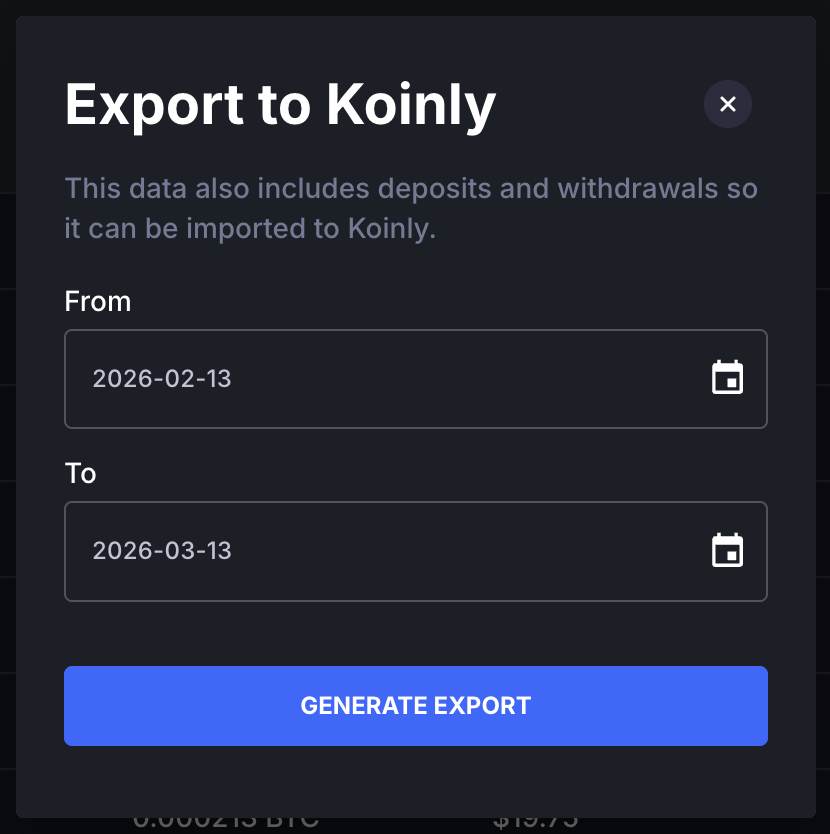
Add the dates in the pop-up and select "Generate Export".
Note that the Export to Koinly function also includes deposits and withdrawals, while [Export to CSV](/manage-account/portfolio-statements-and-exports/portfolio-dashboard.md#exports) does not.
{% endcolumn %}
{% column width="50%" %}
{% endcolumn %}
{% endcolumns %}